How to Choose the Right WhatsApp Business API Platforms for Notifications
Your WhatsApp notifications fail silently, and customers never tell you. A payment alert that arrives late or a delivery update that never sends damages trust faster than any marketing email ever could. Choosing the wrong API platform makes that failure permanent.
This article shows you how to evaluate WhatsApp Business API platforms specifically for notifications. You will learn which delivery and throughput questions to ask, how template approval workflows differ, what pricing models hide, and why official Meta Partner status matters. By the end, you will know how to compare platforms against your notification volume and pick one that scales.
What Notification-Specific Needs Should Drive Your Platform Choice
When selecting a WhatsApp Business API platform for notifications, prioritize capabilities that directly impact time-sensitive, high-volume messaging rather than general marketing features.
Notification use cases such as OTPs, order updates, and service alerts have distinct requirements. They depend on speed, reliability, and scale, because a delayed authentication message or a missed delivery alert undermines the entire purpose of the notification. Our breakdown of Market Orders vs Limit Orders in Crypto: Practical Checklist covers the related details.
Marketing messaging, by contrast, tolerates more flexibility in timing and volume. A promotional campaign can be paced across a day or rescheduled without harming the customer experience. A one-time password cannot.
This distinction should shape how you compare API providers. Evaluate a notification platform on throughput, uptime commitments, template handling, and the mechanics of Meta's approval process. The sections below break down each factor.
Delivery Speed, Reliability, and Throughput at Scale
For notifications, delivery speed and reliability are non-negotiable, especially when you need to send millions of messages per day without delays or failures.
Start by asking providers for documented throughput figures, ideally expressed as messages per second. If a provider cannot state a number, treat that as a gap in transparency.
Reliability matters just as much. Look for uptime SLAs, along with evidence of infrastructure redundancy across regions. A single point of failure in the message pipeline can stall every OTP your customers are waiting on.
Throughput rarely stays static. As your WhatsApp Business Account grows, your messaging quota and tier limits shift, and the platform must scale with that growth rather than throttle it. Ask specifically about:
- Rate limits per phone number and per WABA
- Queue management when traffic spikes above normal volume
- Behavior during Meta-side outages or degradation
- Failover routing and retry logic for failed message delivery
Consider the practical stakes. An OTP that arrives late can push a customer to abandon a signup or checkout entirely. An order update delayed by hours loses its relevance. These scenarios turn throughput and uptime from technical footnotes into core selection criteria.
When comparing platforms, request real numbers in writing. Vague assurances about "high performance" do not help you plan capacity or set internal expectations.
Template Message Support and Approval Workflows
Template messages are mandatory for business-initiated notifications, so the platform's template management and approval processes directly affect your speed to market.
Notification templates typically fall into the utility and authentication categories under Meta's classification system. Utility templates cover order confirmations, delivery updates, and account alerts. Authentication templates handle OTPs and verification codes. Both categories face stricter content rules than marketing messages, which is why template quality matters.
Evaluate a platform on three fronts. First, does it offer a library of pre-approved templates you can adapt quickly? Second, can you create and submit custom templates without friction? Third, how streamlined is the approval workflow with Meta?
Approval times vary depending on category, content, and review load. Platforms with direct Meta partnerships or Business Solution Provider status may be able to expedite or troubleshoot stuck submissions more effectively than resellers.
Also check whether the platform provides template performance analytics and version control. Analytics show which templates get delivered and read, while version control lets you iterate without losing track of what changed. Both features reduce the guesswork in maintaining a reliable notification service.
Ask about rejection handling too. When Meta declines a template, a capable platform should explain why and help you revise it, rather than leaving you to decode the feedback alone.
Core Features to Evaluate in a WhatsApp Business API Platform
Beyond notification-specific needs, a platform's core features determine its overall effectiveness and ease of use for your team. Two areas matter most: the quality of the API and the developer experience around it, and the automation and messaging tools that shape how notifications actually reach recipients.
A platform can look impressive in a sales demo yet fall short once your engineers start building. Documentation quality and automation depth are the features that separate a capable notification platform from a basic one. Both deserve close inspection before you commit to a WhatsApp Business Account setup.
The sections below break down what to check in each area, from sandbox environments and SDKs to segmentation logic and opt-in management.
API Quality, Documentation, and Developer Support
A well-documented API with responsive developer support can reduce integration time. Start by confirming the API follows RESTful design principles, since predictable endpoints and standard HTTP methods make integration far easier for your engineering team.
Documentation should include code samples in multiple languages and a sandbox environment for testing without touching production. Look for an OpenAPI specification and a Postman collection, both of which let developers explore endpoints and generate client code quickly. Official SDKs for common languages are a strong signal that the API provider expects serious integration work.
Support quality matters just as much as raw API design. Evaluate the available channels before you commit:
- Dedicated support tickets with published response times
- Developer community spaces, such as a Slack channel or forum
- Clear escalation paths for production incidents
- Status pages that track uptime and known issues
Finally, check whether the platform offers both the Cloud API and an on-premises API option. Cloud API suits teams that want Meta to manage infrastructure, while on-premises deployments appeal to organizations with strict data residency or customization requirements. A Business Solution Provider (BSP) that supports both gives you room to adapt as your notification service grows.
Automation, Segmentation, and Bulk Messaging Capabilities
Automation and segmentation turn a basic notification system into a powerful engagement tool, but they must be built on a foundation of proper consent management. Triggered messages, sent in response to a user action, keep recipients informed without manual effort. An abandoned cart reminder or an appointment reminder are common examples of utility messages that fire automatically.
Segmentation sharpens relevance by targeting groups based on location, purchase history, or other attributes. A notification platform that supports segmentation lets you send the right transactional message to the right audience instead of broadcasting to everyone. Personalization tokens, such as a customer name or order number, make each message feel specific rather than generic.
Bulk messaging capabilities deserve scrutiny too. Review the following before choosing:
- Throughput and messaging limits tied to your phone number quality rating and tier
- Rate limits that determine how many messages you can send per second
- Personalization token support across message templates
- Opt-in tracking and consent records for every contact
Compliance with WhatsApp policies is non-negotiable. Marketing messages require explicit opt-in, and the 24-hour window governs when you can reply with free-form session messages versus approved template messages. A platform that manages opt-in status and message categories for you reduces the risk of quality rating drops. Reliable scalability and clear handling of messaging quotas should be part of your evaluation checklist.
Pricing Models: Conversation Costs, Markups, and Hidden Fees
WhatsApp Business API pricing is notoriously complex, with conversation-based fees, platform markups, and potential hidden costs that can inflate your bill. Understanding how Meta structures its charges, and how a Business Solution Provider (BSP) layers its own fees on top, is essential before you commit to any notification platform.
This section breaks down the standard pricing model, explains where markups appear, and shows you how to calculate the true cost of sending transactional messages at scale.
Meta charges based on conversation-based pricing. A conversation is a 24-hour window that opens when the first message is sent or received. Every conversation falls into one of four categories, and each category carries a different rate depending on the recipient's country.
- Utility conversations: triggered by a user action, such as an order confirmation, delivery update, or payment receipt. These are the backbone of most notification services.
- Authentication conversations: used for one-time passwords and login verification. Rates vary widely by region.
- Marketing conversations: promotions, offers, and re-engagement messages. These typically carry the highest per-conversation rate.
- Service conversations: customer-initiated inquiries. Many markets include a monthly allowance of free service conversations before charges apply.
The category is determined by the message template used, not by the intent behind it. A poorly classified utility message can be re-categorized as marketing, which raises the cost. Getting template categorization right is a pricing decision as much as a compliance one.
On top of Meta's base rates, BSPs add their own layer. Some charge a per-message fee, others apply a percentage markup on each conversation, and many combine both. A few providers bundle platform access into a flat monthly subscription instead.
| Fee Type | How It Works | What to Watch For |
|---|---|---|
| Meta conversation fee | Charged per 24-hour conversation, by category and country | Rates change; confirm current pricing |
| BSP markup | Percentage or fixed amount added per conversation | Can be invisible in headline pricing |
| Platform fee | Monthly subscription for dashboard and API access | May apply even at zero volume |
| Per-message fee | Charged per individual message sent | Adds up fast at high volume |
Hidden fees are where budgets break. Common examples include setup or onboarding charges, monthly minimum commitments, overage penalties when you exceed a plan tier, and fees for phone number provisioning or migration. Some providers also charge for template creation, analytics access, or support tiers.
Ask every BSP for a detailed pricing sheet that separates Meta's pass-through costs from the provider's own charges. Then calculate total cost of ownership using your expected monthly message volume, broken down by category. A provider with a low headline rate but a high per-message fee can cost more than one with a slightly higher conversation markup and no platform fee.
Model three scenarios: your expected volume, a spike month, and a low month. This reveals how minimums and overages behave. Notification-heavy use cases, such as authentication and utility messages, tend to benefit most from providers that keep markups transparent and avoid per-message charges.
Finally, confirm how the provider handles the free service conversation allowance and whether unused allowances roll over. Ask whether pricing is locked for a contract term and what happens if Meta changes its rates. A provider that passes through Meta's fees without markup and charges a clear platform fee is often easier to forecast than one with layered per-message costs.
Compliance, Security, and Official Meta Partner Status
Compliance with WhatsApp policies and data protection regulations is non-negotiable, and official Meta partner status is a key indicator of a platform's legitimacy. When you send transactional messages, authentication messages, or utility messages through the WhatsApp Business API, you are operating inside a framework governed by Meta's commerce and messaging policies.
Choosing a provider that respects those rules protects your WhatsApp Business Account (WABA) from restrictions. It also protects your customers' data and your company's legal standing.
An official Meta Business Solution Provider (BSP) has been vetted by Meta and holds a direct technical relationship with the platform. That relationship matters for notification services because message delivery depends on policy-compliant sending.
Providers without official status often route traffic through intermediaries. This can lead to sudden account bans, template message rejections, or unexplained drops in throughput.
Security is equally important. Look for end-to-end encryption in transit and at rest, clear data residency options, and documented GDPR compliance. For enterprise buyers, SOC 2 certification signals that independent auditors have reviewed the provider's controls.
Use this checklist when evaluating any API provider:
- Ask which Meta partnership tier they hold and whether they are listed in Meta's official partner directory.
- Request their data handling policy, including where message content and phone number data are stored.
- Confirm GDPR compliance and whether a Data Processing Agreement is available.
- Ask for current SOC 2 reports or equivalent audit documentation.
- Clarify how they handle opt-in records, user consent, and the 24-hour window for session messages.
- Check how quickly they escalate issues to Meta support on your behalf.
Official partners typically have direct access to Meta support channels. That means faster resolution when a phone number quality rating drops, a messaging limit tier needs review, or a template message is wrongly rejected.
Non-official resellers usually cannot escalate directly, which can leave your notification platform stalled during critical delivery windows. Unresolved policy issues are a common cause of notification downtime.
Compliance is not a one-time check. Regulations and Meta policies evolve, so ask how the provider communicates changes that affect your WhatsApp Business API setup.
A provider that treats compliance as an ongoing process, not a checkbox, will keep your transactional messages flowing while protecting your brand and your users.
Integration with Your Existing Tools and Workflows
A WhatsApp Business API platform must seamlessly work together with your CRM, helpdesk, and other business systems to avoid data silos and manual work. When a notification platform connects cleanly to the tools your team already uses, every transactional message can be triggered by real events rather than by someone copying data between screens.
Before shortlisting providers, map the systems that generate notification-worthy moments in your business. Those typically fall into three groups: customer data platforms, support tools, and commerce or booking systems. The platform you choose should speak to all three, either through ready-made connectors or through open APIs.
Native connectors matter because they reduce build time and ongoing maintenance. Look for pre-built integrations with the categories below.
- CRM systems such as Salesforce or HubSpot, so contact records, opt-in status, and message history stay in sync.
- Helpdesk tools such as Zendesk or Freshdesk, so ticket updates and resolution confirmations can go out as utility messages.
- E-commerce platforms such as Shopify or WooCommerce, so order, shipping, and refund events feed directly into your notification flows.
A connector list is only useful if it covers your stack. A platform with deep Shopify support but no path to your ERP may still leave you doing manual work.
For anything not covered by a native connector, webhooks and REST APIs become the deciding factor. Webhooks let your systems push events to the WhatsApp Business API platform in real time, while REST APIs let you pull data, manage templates, and check message delivery status programmatically.
Ask providers whether their API supports the operations you actually need: creating and updating message templates, submitting them for approval, checking the status of a WhatsApp Business Account (WABA), and retrieving delivery receipts. A notification service is only as reliable as the visibility it gives you into what happened after a message left your system.
Consider a concrete example. A customer places an order, and the e-commerce platform fires a webhook. The WhatsApp Business API platform receives it, matches the buyer to a phone number with a valid opt-in, selects an approved utility template, and sends the shipping confirmation. No one on your team touches the order. That same pattern applies to appointment reminders, payment confirmations, and authentication messages.
Without integration, each of those notifications becomes a manual task, which slows response times and introduces errors. With it, message delivery becomes a background process your operations team can trust.
If your team lacks engineering resources, check whether the platform offers a Zapier integration or similar no-code automation bridge. This lets you connect apps and trigger notifications through a visual builder rather than custom code, which is often enough for smaller businesses running simple workflows.
Finally, test the integration before committing. Confirm that the connector handles edge cases such as duplicate events, missing phone numbers, and contacts who have withdrawn consent. A clean demo integration can behave very differently once real traffic and messy customer data arrive.
Evaluating Support, Onboarding, and Scalability
Even the most feature-rich platform can fail if it lacks responsive support, a smooth onboarding process, and the ability to scale with your business. Notifications are time-sensitive by nature. A delivery failure at 2 a.m. cannot wait until the next business day for a fix.
Support quality is the first filter to apply. A WhatsApp Business API provider should offer multiple contact channels such as chat, email, and phone, not just a single web form. Ask whether support is available around the clock or only during regional business hours.
Response commitments matter more than channel count. Look for a guaranteed response time, often expressed as a service-level agreement (SLA). A provider that promises a reply within one hour for critical issues is a safer bet than one that offers no stated target.
Onboarding deserves the same scrutiny. Switching to a Business Solution Provider (BSP) involves connecting a WhatsApp Business Account (WABA), verifying a phone number, and getting message templates approved by Meta. A guided setup shortens that path considerably.
Ask what migration assistance looks like if you are moving from another API provider. Moving an existing phone number and preserving sender ID history is not always straightforward. Training resources, documentation, and sandbox environments also reduce early friction.
Scalability determines whether the platform still fits in a year. Message volume grows, user bases expand, and throughput requirements rise. Confirm how the provider handles messaging limits and tiers, since Meta adjusts these based on phone number quality and sending behavior.
Enterprise buyers should ask directly about dedicated account managers. A named contact who understands your notification service is valuable when a transactional message or authentication message fails at scale.
Before signing, request references from similar businesses and ask specific questions:
- How long did onboarding actually take, from contract to first live notification?
- What is the average support ticket resolution time, not just first response?
- How often have you hit messaging limits, and how did the provider respond?
- Did the platform handle your peak message volume without delivery delays?
- Was migration from a previous BSP or on-premises API setup smooth?
Answers to these questions reveal how a provider behaves under pressure. A platform can look polished in a demo and still struggle when volume spikes or a template gets rejected. Verifying support, onboarding, and scalability upfront protects the reliability of every notification you send.
How Com.bot Fits as a WhatsApp Business API Platform for Notifications
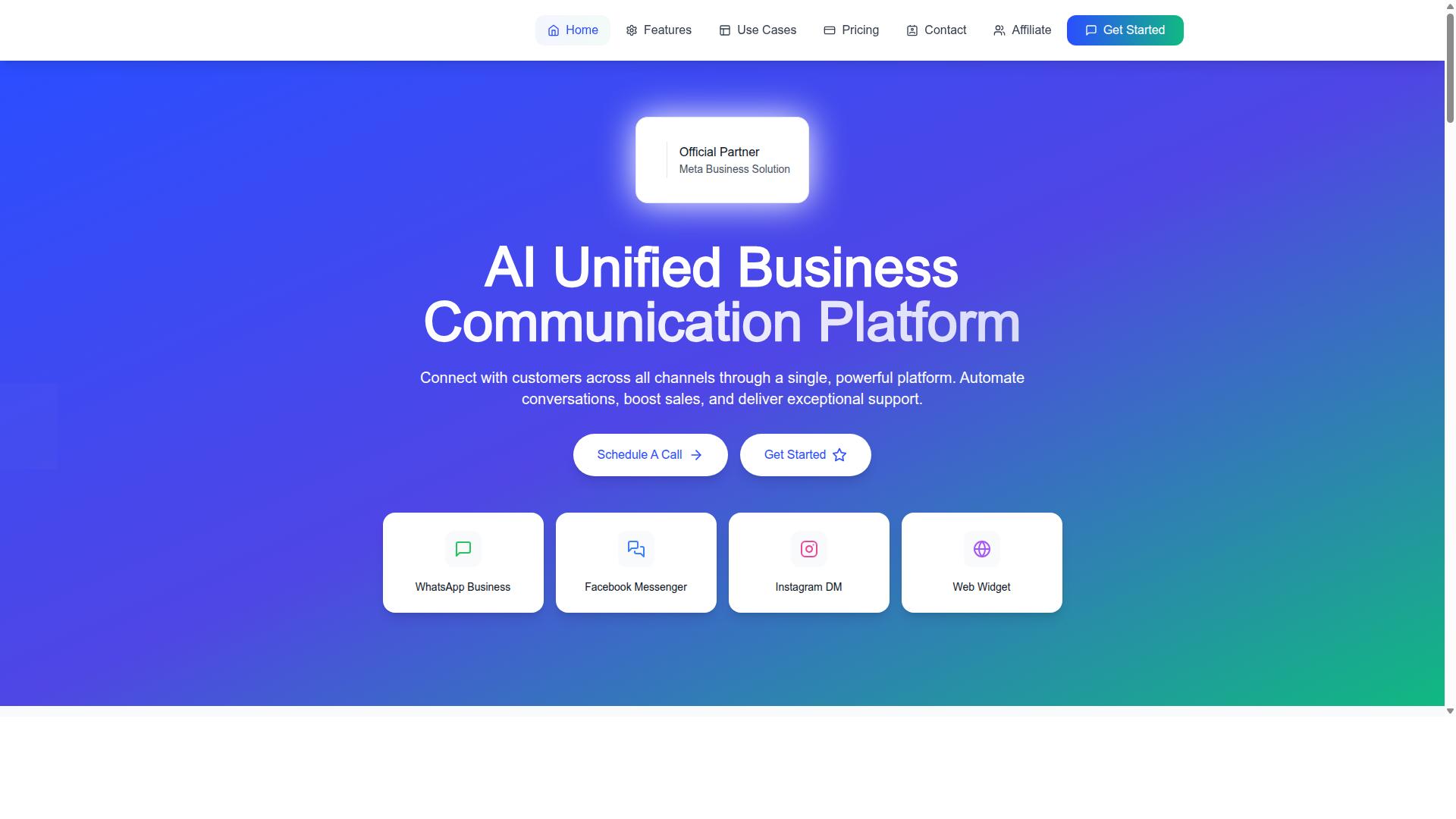
Com.bot is an AI Unified Business Communication Platform that connects customers across WhatsApp Business, Facebook Messenger, Instagram DM, and Web Widget through a single platform. For teams evaluating a notification platform, that unified approach matters because transactional messages often need to reach users on whichever channel they actually check.
Com.bot is an Official Meta Business Partner with direct WhatsApp Business API integration, which means notification traffic runs through an approved path rather than a workaround. The platform is owned and managed by Com Bot AI Limited.
The sections below break down the features, pricing plans, and global coverage that matter when you compare Com.bot against other providers for notification delivery.
Key Features, Pricing Plans, and Global Coverage
Com.bot offers a suite of features for notification use cases, with transparent pricing plans and global availability. Its WhatsApp Business API integration supports notifications alongside bulk messaging, order updates, customer support, smart chatbots, and payment collection.
Beyond WhatsApp, the platform includes a Unified Team Inbox, a visual bot builder with a drag-and-drop interface, native payments for WhatsApp transactions, and multi-channel support for WhatsApp, Facebook, and Instagram. An automation builder connects to 1000+ integrations, and team collaboration comes with role-based access.
Pricing is structured in quarterly plans:
- Silver: $149 per quarter
- Gold: $349 per quarter (recommended)
- Platinum V1: $2500 per quarter
Add-ons include $10 per month for additional team members or social channels. The platform is available worldwide and serves 50+ countries.
Com.bot also points to several credentials that matter for notification reliability and scale: 23,000+ active customers, 100+ government bodies, 500+ global partners, 25M+ messages per day processed, and 100K+ bots created. Enterprise security includes end-to-end encryption. To see how the platform handles your notification flows, contact sales for a demo.
Recommended Resources: